
Steps 1–3
Research, blueprint, manuscript
Explore audiences and angles, turn the idea into an editable outline, then write in a focused studio with chapter navigation, autosave and reviewable AI suggestions.
Create once · Prepare for every bookstore
Research, write, format, optimize and prepare your book for Amazon, Google Play Books, Apple Books, Barnes & Noble, Kobo and IngramSpark — from one calm publishing workspace.
We never ask for bookstore passwords. You approve every submission.

The workspace

Steps 1–3
Explore audiences and angles, turn the idea into an editable outline, then write in a focused studio with chapter navigation, autosave and reviewable AI suggestions.
Step 5
Write a brief, generate cover art, and preview it at store thumbnail size.

Steps 6–7
One master listing with per-store previews, 10 Amazon keyword slots, and EPUB packaging for each storefront.
Per-platform checklists that tell you exactly what each portal will ask for before you open it.
Blurbs, emails, social posts and ad copy generated from your finished manuscript.
Import store CSV reports and see normalized earnings across every shelf.
Inside the app
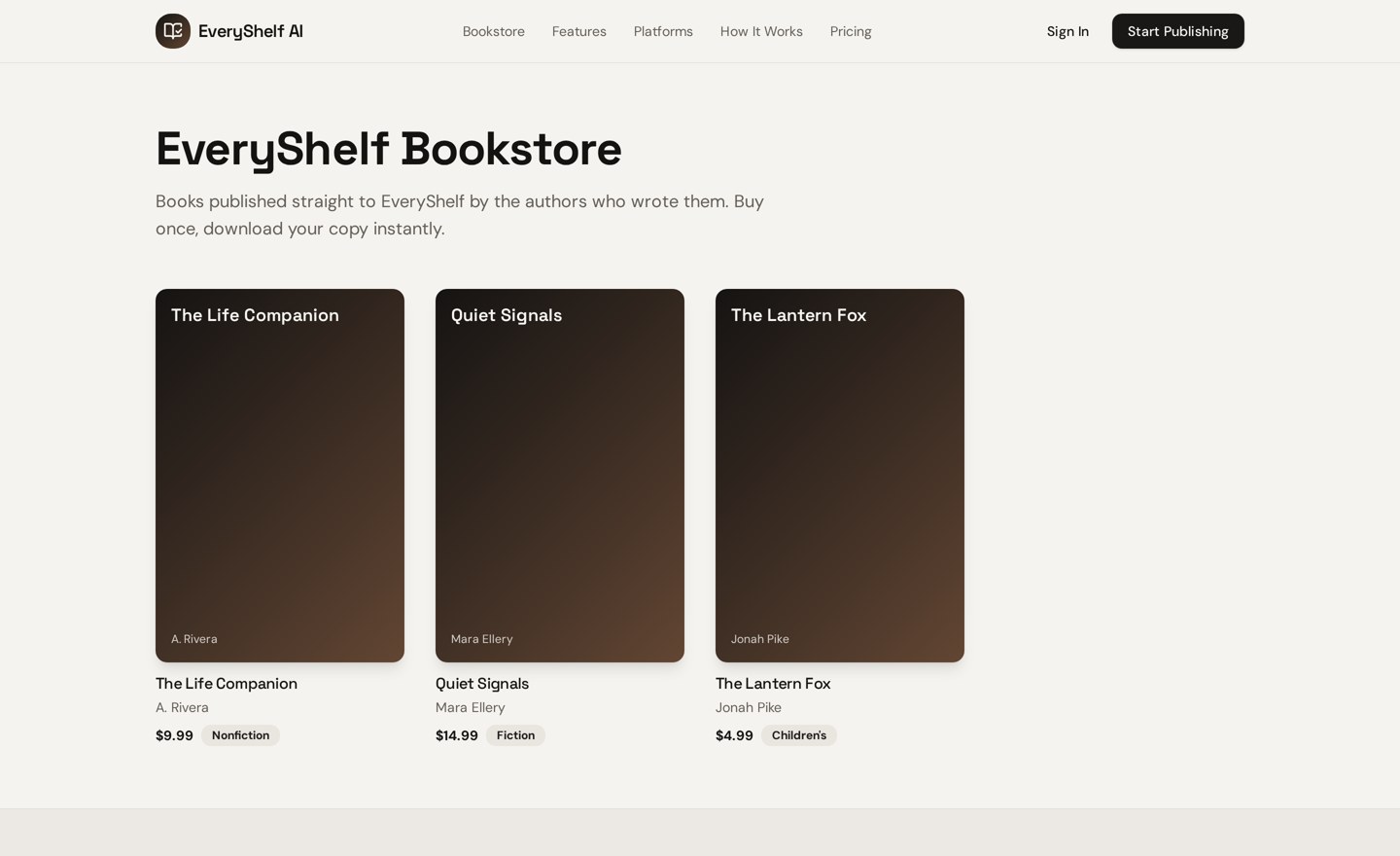
Every finished book gets a shareable Shelfs listing page with cover, price and instant download — alongside the files you upload elsewhere.

Toolkit
Every tool an independent author needs, in the order you actually need it.
Explore audiences, angles, titles and keyword ideas before you write a word.
Turn an idea into an editable outline for nonfiction, fiction or children's books.
A focused editor with chapter navigation, autosave and reviewable AI suggestions.
Build a cover brief, set typography and preview front, spine and back.
Pick the formats each store expects and see exactly what is still missing.
One master listing with per-store overrides, previews and AI copy assistance.
Per-platform checklists that tell you what each portal will ask for.
Launch plan, store descriptions, social posts, press release and more.
Import store CSVs and see units, revenue and trends side by side.
Keep chapter snapshots so nothing you wrote is ever lost.
Requirements differ by storefront. Select a platform to see the assets we help you prepare before you open its official portal.
Ebook and print in one portal. Keyword slots are limited to seven.
Shelfs AI prepares these files and a readiness checklist. Uploading and approving the listing happens in Kindle Direct Publishing, under your own account.
These are illustrative placeholder quotes with fictional author names. They will be replaced with verified customer stories.
“Preparing the same book for five stores used to take me a full weekend of spreadsheet work.”
Marisol Vega
Nonfiction author · sample
“The readiness checklist is the part I actually open every day — it tells me what is missing.”
Devon Ashcroft
Fantasy series writer · sample
“Having one metadata record with per-store overrides removed most of my copy-paste mistakes.”
Priya Raman
Children's book illustrator · sample
Pricing
Get your first book ready for one store.
$19/mo
For authors publishing everywhere.
$49/mo
Catalog-scale publishing operations.
$129/mo
Payment processing is not connected yet. Plan selection is saved to your account and no charge is made until a payment provider confirms it.
Start a project free, build your blueprint, and see exactly what each store will ask for.
Create My First Book